
Giáo trình bản quyềnNội dung chuẩn hóa, cập nhật theo mục tiêu khóa học.




Khóa học
Kỹ Năng Viết Email Cho Kỹ Thuật Viên IT
Email Writing Skills for IT Professionals
Rèn luyện cách viết email hỗ trợ kỹ thuật rõ ràng, dễ hiểu và có trách nhiệm, từ tiếp nhận sự cố đến cập nhật tiến độ và kết thúc yêu cầu.
1. Giới thiệu khóa học
Kỹ thuật viên IT thường phải chuyển thông tin chuyên môn thành hướng dẫn mà người dùng có thể hiểu và thực hiện. Email quá kỹ thuật, thiếu trạng thái xử lý hoặc không nêu rõ bước tiếp theo dễ làm tăng hiểu nhầm, kéo dài thời gian hỗ trợ và ảnh hưởng trải nghiệm người dùng.
Khóa học “Kỹ Năng Viết Email Cho Kỹ Thuật Viên IT” tập trung vào cấu trúc email hỗ trợ, cách mô tả sự cố, hướng dẫn thao tác, yêu cầu bổ sung dữ liệu, cập nhật tiến độ và leo thang vấn đề. Học viên cũng thực hành xử lý email khi người dùng bức xúc hoặc khi có rủi ro bảo mật.
Qua các tình huống ticket thực tế, học viên xây dựng được cách viết ngắn gọn, chính xác và phù hợp với mức độ hiểu biết của người nhận; đồng thời chuẩn hóa các mẫu email để phối hợp hiệu quả hơn giữa IT, người dùng và các bên liên quan.
2. Mục tiêu đào tạo
- Xác định mục tiêu, người nhận và mức độ ưu tiên trước khi viết email hỗ trợ kỹ thuật.
- Tổ chức email theo cấu trúc rõ vấn đề, trạng thái, hướng xử lý và hành động tiếp theo.
- Chuyển thuật ngữ kỹ thuật thành ngôn ngữ dễ hiểu mà không làm sai lệch thông tin.
- Viết email yêu cầu bổ sung dữ liệu, hướng dẫn thao tác và xác nhận kết quả xử lý.
- Cập nhật tiến độ, thời gian dự kiến và phương án leo thang sự cố một cách minh bạch.
- Xử lý phản hồi nhạy cảm và xây dựng bộ mẫu email IT có thể tái sử dụng.
3. Đối tượng học viên
- Kỹ thuật viên và chuyên viên ITThường xuyên hướng dẫn người dùng hoặc phối hợp xử lý sự cố qua email.
- Nhân viên Helpdesk và IT SupportTiếp nhận ticket, cập nhật tiến độ và phản hồi khách hàng nội bộ hoặc bên ngoài.
- Quản lý dự án và trưởng nhóm kỹ thuậtCần truyền đạt trạng thái, rủi ro và yêu cầu phối hợp cho nhiều bên liên quan.
- Lập trình viên và nhân sự công nghệMuốn trình bày thông tin kỹ thuật rõ ràng, chuyên nghiệp trong môi trường doanh nghiệp.
4. Nội dung khóa học
PHẦN 01Tư Duy Nền Tảng Về Email IT Chuyên Nghiệp
- Vai trò email trong hỗ trợ kỹ thuật.
- Khác biệt giữa trao đổi kỹ thuật và email.
- Email rõ ràng giúp giảm hiểu nhầm.
- Tư duy người dùng trước khi phản hồi.
- Nguyên tắc ngắn gọn, chính xác, dễ hiểu.
- Sai lầm phổ biến khi kỹ thuật viên viết email.
- Tình huống: Người dùng không hiểu hướng dẫn IT.
- Thảo luận: Khó khăn email IT hiện tại.
PHẦN 02Cấu Trúc Email Hỗ Trợ Người Dùng
- Viết tiêu đề email rõ vấn đề.
- Mở đầu lịch sự, đúng bối cảnh hỗ trợ.
- Tóm tắt sự cố bằng ngôn ngữ đơn giản.
- Nêu bước xử lý theo trình tự rõ.
- Đưa yêu cầu phản hồi hoặc xác nhận.
- Kết thúc email chuyên nghiệp, thân thiện.
- Công cụ: Mẫu email hỗ trợ kỹ thuật.
- Bài tập: Viết email phản hồi ticket mẫu.
PHẦN 03Diễn Đạt Vấn Đề Kỹ Thuật Dễ Hiểu
- Chuyển thuật ngữ kỹ thuật thành ngôn ngữ thường.
- Phân biệt nguyên nhân, tác động, giải pháp.
- Trình bày thông tin theo mức độ ưu tiên.
- Tránh viết dài, rối, quá chuyên môn.
- Sử dụng danh sách bước hướng dẫn rõ ràng.
- Kỹ thuật: Giải thích bằng ví dụ gần gũi.
- Ví dụ: Hướng dẫn người dùng đổi mật khẩu.
- Thực hành: Viết lại email quá kỹ thuật.
PHẦN 04Email Cập Nhật Tiến Độ Và Leo Thang Sự Cố
- Thông báo trạng thái xử lý sự cố.
- Nêu thời gian dự kiến hoàn thành.
- Giải thích lý do chậm tiến độ phù hợp.
- Leo thang vấn đề đúng người, đúng cấp.
- Ghi rõ dữ liệu, log, bằng chứng liên quan.
- Giữ người dùng được cập nhật kịp thời.
- Tình huống: Sự cố hệ thống chưa có giải pháp.
- Bài tập: Viết email cập nhật tiến độ.
PHẦN 05Xử Lý Email Khó Và Phản Hồi Nhạy Cảm
- Phản hồi người dùng bức xúc bình tĩnh.
- Nhận lỗi khi dịch vụ IT chưa đạt.
- Từ chối yêu cầu không đúng quy trình.
- Yêu cầu thêm thông tin không gây khó chịu.
- Giao tiếp rõ ràng khi có rủi ro bảo mật.
- Kỹ thuật: Đồng cảm, xác nhận, định hướng.
- Ví dụ: Người dùng phàn nàn chậm hỗ trợ.
- Thực hành: Viết email xử lý phản ứng khó.
PHẦN 06Chuẩn Hóa Email IT Và Nâng Cao Hiệu Quả Hỗ Trợ
- Xây dựng thư viện mẫu email IT.
- Chuẩn hóa chữ ký, tiêu đề, định dạng.
- Theo dõi phản hồi và thời gian xử lý.
- Lưu trữ email phục vụ tra cứu sự cố.
- Phối hợp email với ticket và chat nội bộ.
- Cải thiện chất lượng giao tiếp hỗ trợ.
- Cam kết: Ba hành động sau khóa học.
- Bài tập cuối: Hoàn thiện bộ email IT mẫu.
5. Phương pháp đào tạo
Lớp học được tổ chức theo nhóm nhỏ, lấy người học làm trung tâm. Giảng viên trình bày ngắn gọn, sau đó dẫn dắt thảo luận, thực hành tình huống, phản hồi và đúc kết bài học để học viên chuyển hóa kiến thức thành hành vi ứng dụng.
Thảo luận nhóm
Bài tập cá nhân
Thuyết trình nhóm
Kỹ thuật Brainstorming
Thực hành cùng giảng viên
Dự án trải nghiệm
Hoạt động trong lớp
Hoạt động đóng vai
Thuyết trình trước lớp
6. Thông tin lớp học
| Khai giảng dự kiến | Lịch học | Giờ học | Địa điểm | Học phí | Đăng ký |
|---|---|---|---|---|---|
| Đang cập nhật | Thứ 7 – Chủ nhật | 08:30 – 16:30 | TP.HCM | 4.500.000 VNĐ | Đăng ký |
| Đang cập nhật | Thứ 2 – Thứ 5 | 18:00 – 21:30 | Hà Nội | 4.500.000 VNĐ | Đăng ký |
Ưu đãi 10%: đăng ký trước 15 ngày, nhóm từ 3 học viên hoặc khách hàng thân thiết.Giữ chỗ
Lưu ý: Lịch khai giảng trên là lịch dự kiến và có thể được điều chỉnh tùy theo số lượng học viên đăng ký, điều kiện tổ chức lớp và kế hoạch đào tạo thực tế. Masterskills sẽ xác nhận lịch học chính thức với học viên trước ngày khai giảng.
- Thời lượng: 2 ngày / 4 buổi; tối đa 35 học viên/lớp.
- TP.HCM: 224 Điện Biên Phủ, Phường Bàn Cờ, TP.HCM.
- Hà Nội: 51 Lê Đại Hành, Phường Hai Bà Trưng, Hà Nội.
- Đào tạo tại doanh nghiệp: Tổ chức tại văn phòng hoặc nhà máy; báo giá theo phạm vi thiết kế, địa điểm và quy mô lớp.
- Chi phí phát sinh: Đi lại và lưu trú của giảng viên được xác định theo địa điểm triển khai (nếu có).
7. Tài liệu học & chứng nhận
Học viên nhận bộ giáo trình bản quyền do Masterskills biên soạn, hand-out thực hành, biểu mẫu tự đánh giá và tài liệu tham khảo bám sát tình huống doanh nghiệp.
Công cụ thực hànhChecklist, hand-out, mẫu phản hồi và kế hoạch hành động cá nhân.Khám phá bộ công cụ
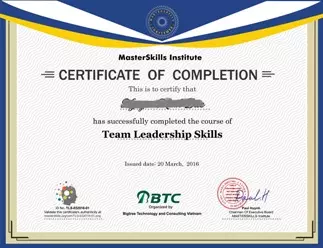
Chứng nhận hoàn thành khóa học
Học viên đáp ứng yêu cầu tham dự và thực hành được Masterskills cấp chứng nhận hoàn thành chương trình.
8. Đội ngũ giảng viên
Giảng viên và chuyên gia Masterskills có kinh nghiệm quản lý, tư vấn và đào tạo thực tế trong lĩnh vực phù hợp với nội dung chương trình.

MBA. Nguyễn Hữu Thái Hòa
Chuyên gia chiến lược & chuyển đổi số. Chiến lược tập đoàn, chuyển đổi số, đổi mới mô hình kinh doanh và tăng trưởng.

MBA. Vũ Lai Đoan Trang
Chuyên gia phát triển nguồn nhân lực & lãnh đạo. Phát triển lãnh đạo, learning & development, dịch vụ khách hàng và vận hành tổ chức.
9. Hồ sơ năng lực Masterskills
Năng lực đào tạo, lĩnh vực chuyên môn, phương pháp triển khai và kinh nghiệm đồng hành cùng doanh nghiệp của Masterskills.
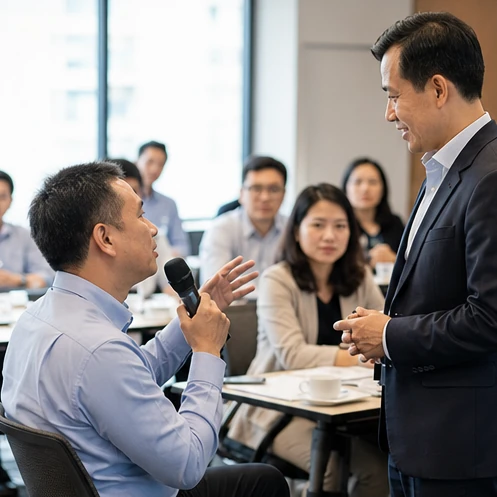
Nhận xét của khách hàng
Xem thêm nhận xét khách hàng“Khóa học Kỹ Năng Viết Email Cho Kỹ Thuật Viên IT có nội dung thực tế, hoạt động thực hành bám sát công việc và cách hướng dẫn rõ ràng. Giảng viên giúp học viên sử dụng công cụ phù hợp, phân tích tình huống và xây dựng phương án có thể áp dụng vào công việc sau chương trình.”
10. Các khách hàng tiêu biểu
Một số chương trình đào tạo thực tế có nội dung gần với chủ đề khóa học đã được Masterskills triển khai cho doanh nghiệp.
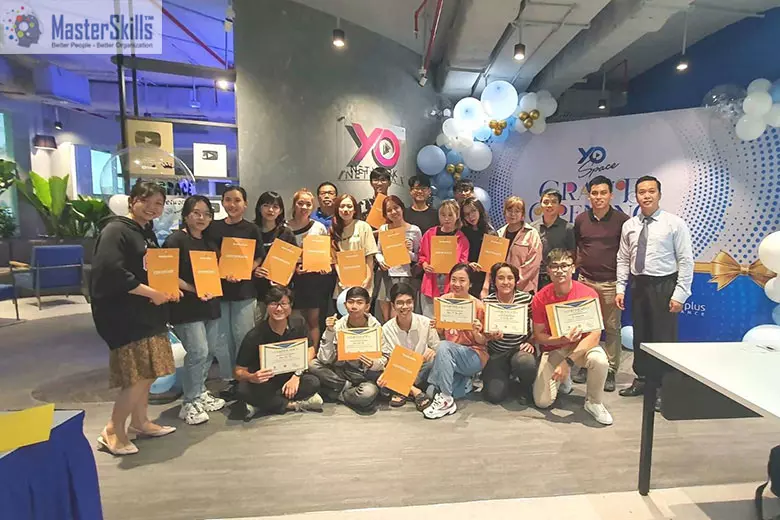 CNTT - Viễn thôngTổ chức khóa học Kỹ Năng Giao Tiếp & Kiểm Soát Cảm Xúc tại Cổ Phần Viễn Thông Tuổi Trẻ – Tp.HCM.
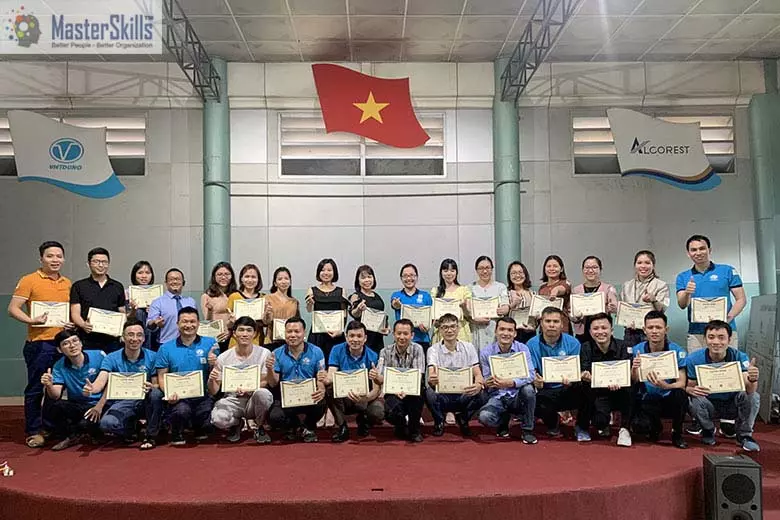 Xây dựng - Công trìnhTổ chức khóa học Giải Quyết Khiếu Nại Khách Hàng tại Công ty Cổ Phần Nhôm Việt Dũng – Tp.Hà Nội.
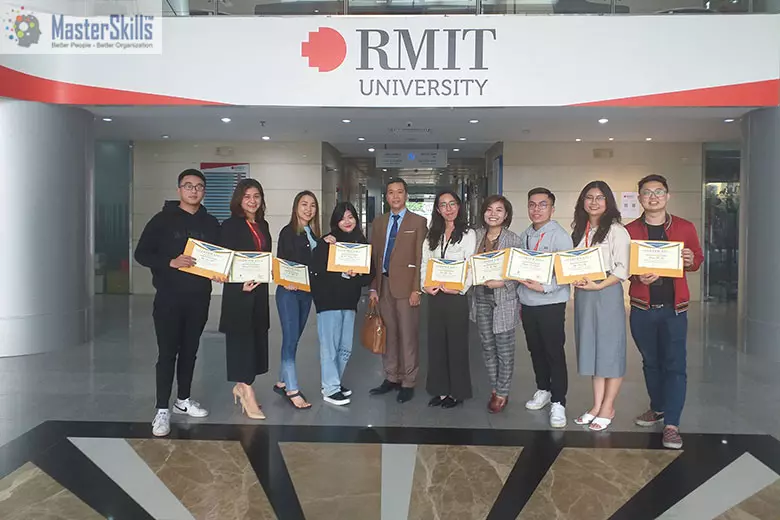 Giáo dục - Đào tạoTổ chức khóa học Tâm Lý & Hành Vi Khách Hàng tại Đại Học RMIT – Tp.Hà Nội.
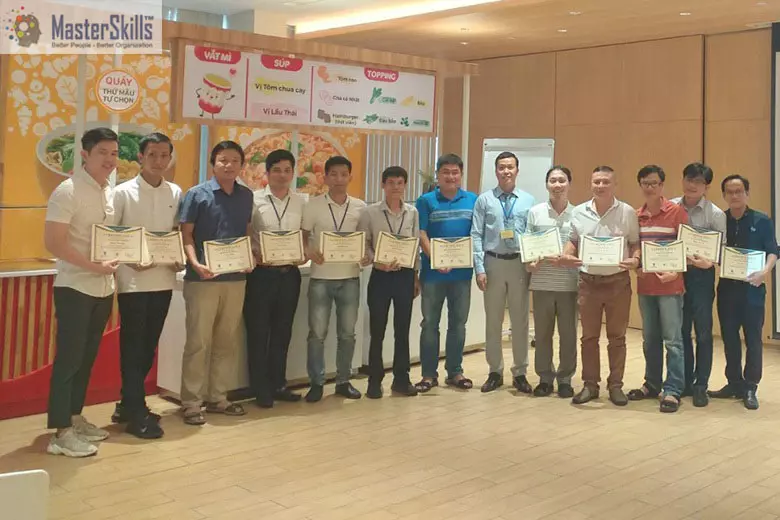 Thực phẩm - Đồ uốngTổ chức khóa học Quản Trị Rủi Ro & Bảo Mật Thông Tin tại Công Ty CP AceCook VietNam – Tp.HCM.
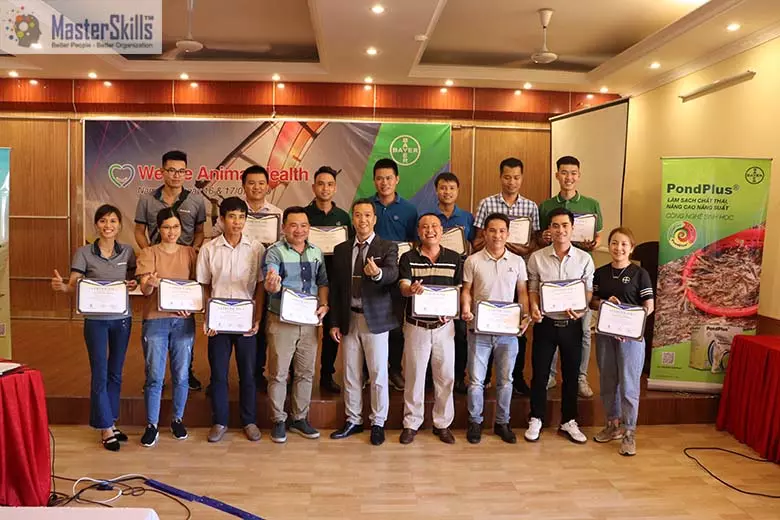 Bệnh viện - Dược phẩmTổ chức khóa học Tâm Lý & Hành Vi Khách Hàng tại Công Ty Bayer VietNam – Nam Định.
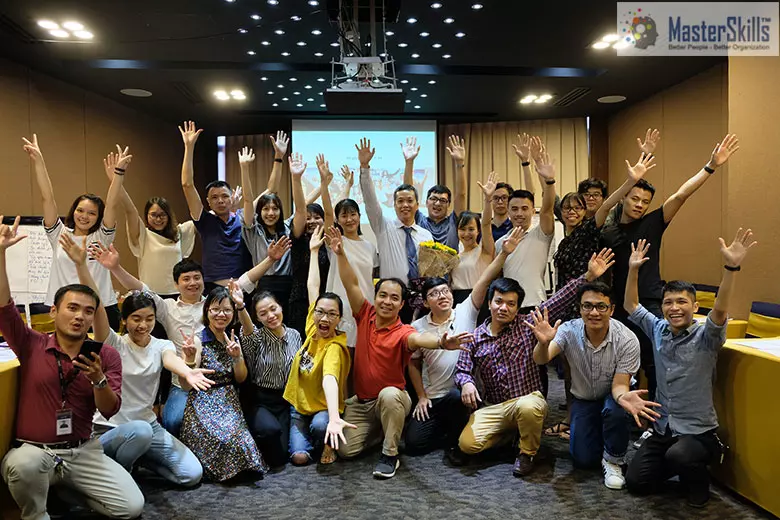 Thương mại - Dịch vụTổ chức khóa học Tâm Lý & Hành Vi Khách Hàng B2B tại Công ty E-Soft Vietnam - Tp.Hà Nội.
Bệnh viện - Dược phẩmTổ chức khóa học Tâm Lý & Hành Vi Khách Hàng tại Công Ty Bayer VietNam – Nam Định.
Thương mại - Dịch vụTổ chức khóa học Tâm Lý & Hành Vi Khách Hàng B2B tại Công ty E-Soft Vietnam - Tp.Hà Nội.
Bệnh viện - Dược phẩmTổ chức khóa học Tâm Lý & Hành Vi Khách Hàng tại Công Ty Bayer VietNam – Nam Định.
.webp) Sản xuất - Bảo trìTổ chức khóa học Kỹ Năng Giao Tiếp Cho Đội Ngũ Sản Xuất tại Công Ty Dopla Châu Á - Vũng Tàu.
Sản xuất - Bảo trìTổ chức khóa học Kỹ Năng Giao Tiếp Cho Đội Ngũ Sản Xuất tại Công Ty Dopla Châu Á - Vũng Tàu.
Sẵn sàng phát triển kỹ năng viết email cho kỹ thuật viên it cho đội ngũ?
Chuyên gia Masterskills sẵn sàng tư vấn chương trình Kỹ Năng Viết Email Cho Kỹ Thuật Viên IT phù hợp mục tiêu doanh nghiệp.